
Applies to: Workforce · Premium · LawBillity · Billing (mobile app)
The app has only a few settings of its own. Open them from Settings in the menu, or tap the gear icon in the sync bar at the bottom of the screen.
What You Can Change
- Ask before deleting: when this is on (it is unless you change it), the app asks you to confirm before deleting a time entry, expense, or other record. Turn it off only if the extra tap slows you down.
- Tap Save to keep your changes, or Cancel to leave without saving.
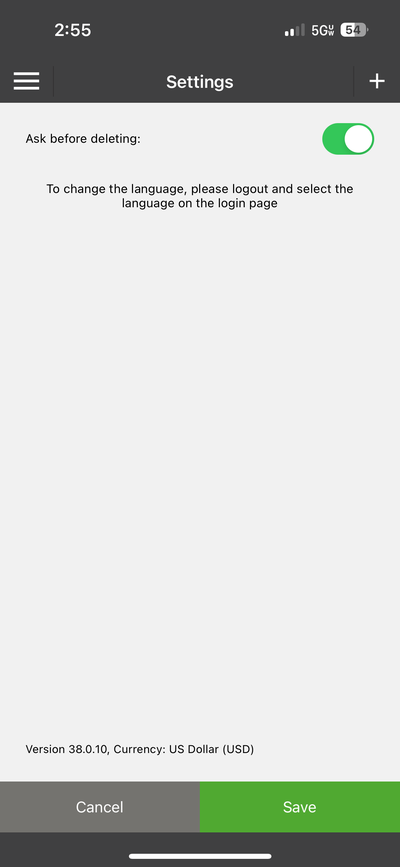
The Settings screen, with your app version and currency at the bottom.
Other Things on This Screen
- Language: to change it, log out and pick your language on the sign-in screen. See Mobile: Logging Out.
- Version and Currency: shown at the bottom, for example "Version 38.0.10, Currency: US Dollar (USD)". Support may ask for your version. See Mobile: Keeping the App Updated.
Settings That Live on the Web
Billing rates, permissions, lock dates, and whether your firm uses timers or time cards (Admin > Settings > Time Tracking Method) are all set by your admin in the web app. You can't change them from your phone.