
Applies to: Workforce · Premium
Find the Sage Intacct error from your Sync Log below to see what to change. Every Sage Intacct sync error starts with "Error returned from Sage Intacct API:" followed by Sage Intacct's message. Almost all of them mean a setting needs changing in Sage Intacct, not in Time Tracker. Make the change, then sync again.
Where to See the Error
Go to Sync > Sync Log, expand the failed sync, and click Error next to the item. The same list of errors is in Time Tracker: on the Sage Intacct setup page, click Click here under Sync Troubleshooting.
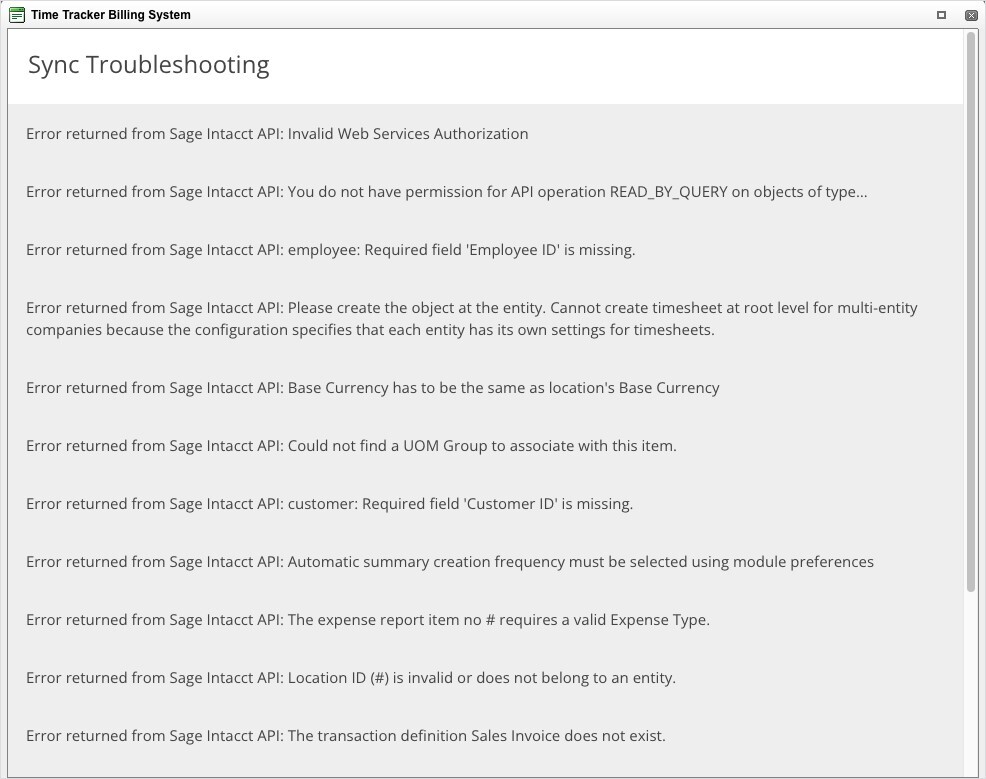
The Sync Troubleshooting window on the Sage Intacct setup page.
Error Messages
Still Stuck?
Follow the general steps in My Integration Isn't Syncing: Finding and Fixing a Failed Sync. If you contact eBillity Support, copy the full error message from the Sync Log. Setup steps are in Connecting Sage Intacct.