
Applies to: Billing
Need to log something quickly? The orange + Create button at the top of the sidebar works from any page, so you don't have to go looking for the right screen first.
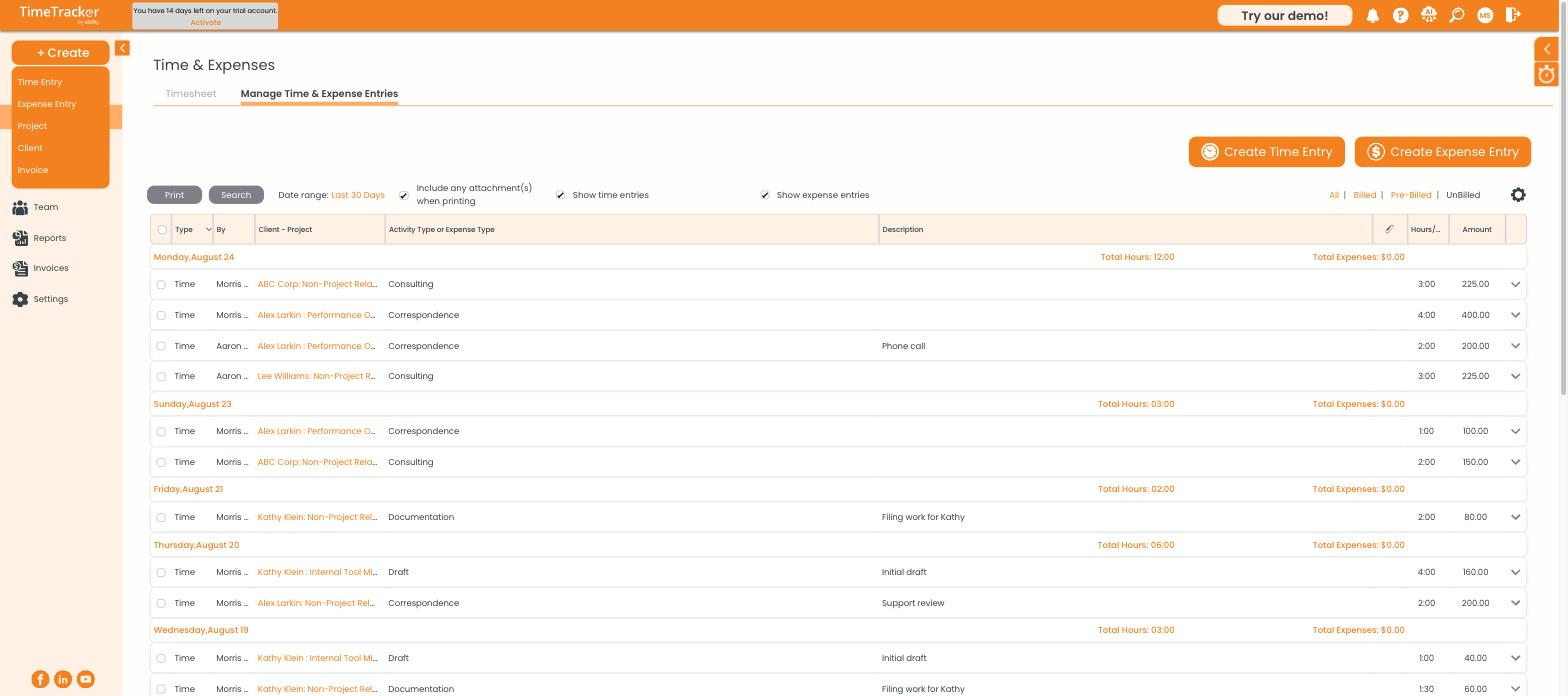
The + Create menu has five shortcuts: Time Entry, Expense Entry, Project, Client, and Invoice.
Creating Something from Any Page
- Click + Create at the top of the sidebar.
- Choose Time Entry, Expense Entry, Project, Client, or Invoice.
- Fill in the form and save.
If Nothing Happens When You Click
Time Entry and Expense Entry open in a separate browser window. If clicking them seems to do nothing, your browser blocked the pop-up:
- Look for a blocked pop-up icon at the right end of your browser's address bar.
- Click it and choose to always allow pop-ups from secure.ebillity.com.
- Click the + Create option again.
Tip: Logging a whole week? The weekly timesheet is faster than
+ Create because each row keeps its client and project for all seven days. See
Tracking Time on the Weekly Timesheet.