
Applies to: Premium · LawBillity
Each project has a billable type that decides how its time turns into invoice amounts. Pick the right one when you set up the project, and its invoices come out right without manual adjustments.
Which Type to Choose
Setting the Billable Type
- Open the project, or create a new one. See How to Create a New Project.
- Go to the Billing tab.
- Choose the Billable Type.
- Save the project.
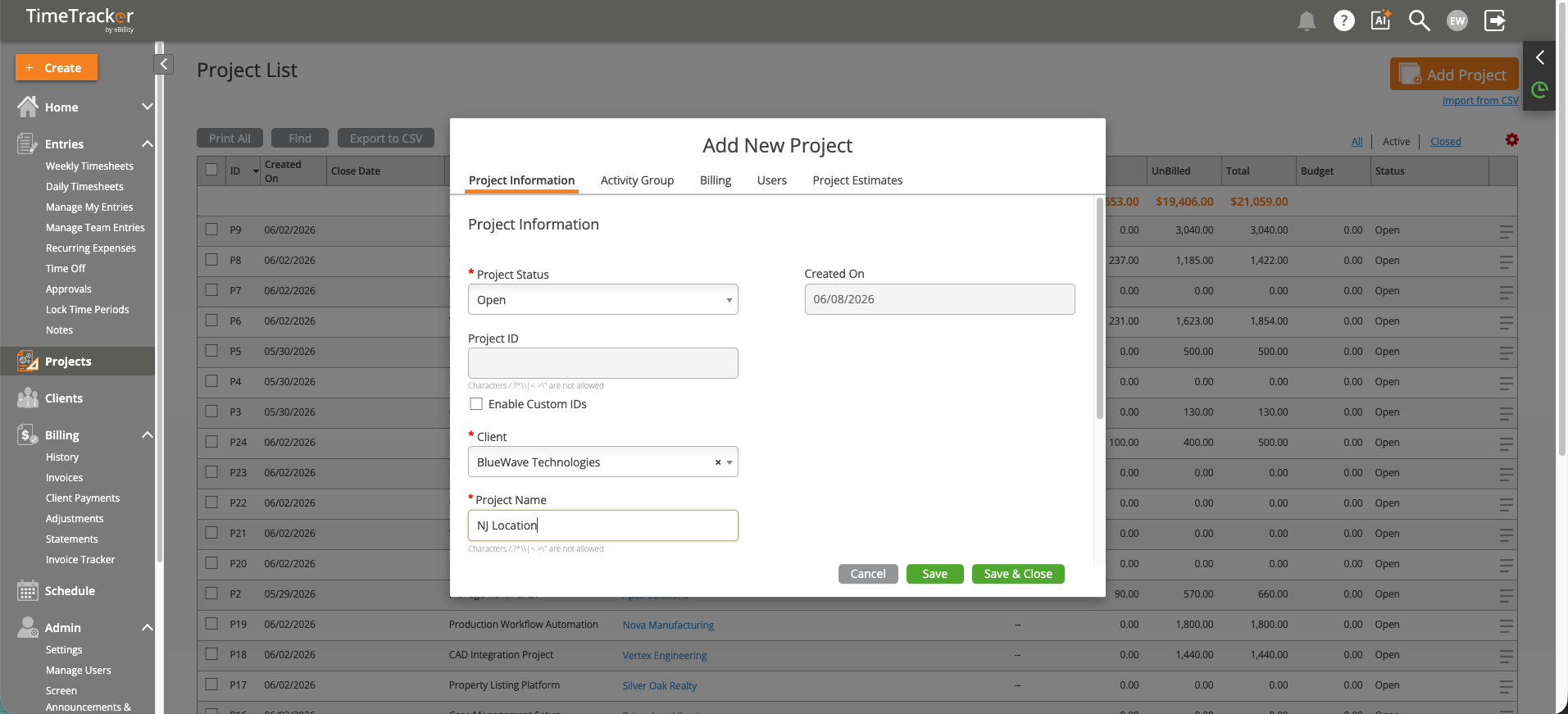
The Add New Project dialog, where you set the client, lead, billable type, and budget.
The type is used when you select the project's entries for an invoice.
Common Problems
- An hourly project bills at $0.00. No rate was found for the work. See Why Does My Invoice Show $0.00?.
- An hourly project bills at the wrong rate. A rate on the project's Billing tab beats the client's rate. See Setting Client Billing Rates and Overrides.
- You want to know if a flat fee project is losing money. Add an estimate and watch it in the Project Tracker. See Setting Up Project Estimates and Budgets.